Every completed payment has a PDF invoice in your account.
- Open My account › Payments.
- Find the payment marked “Paid”.
- Press Invoice. The PDF downloads to your device.
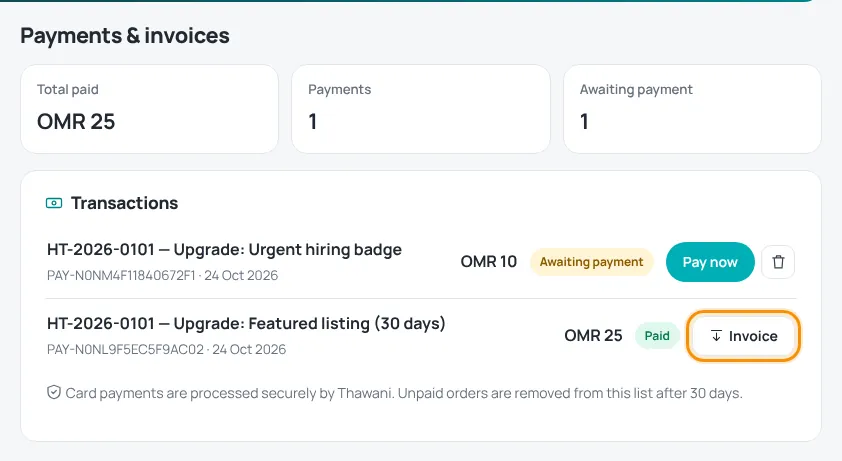
The invoice shows the invoice number, date, your details (company or name, email, phone and address), the description, any discount code, the total paid and the payment method.
Employers: keep your company name and address up to date in Settings — they are printed on new invoices.
Questions about an invoice? Open a support ticket with the topic “Payments & invoices” and the payment reference.
Was this article helpful?
Thanks for your feedback!
Sorry about that. Tell us what was missing in a support ticket and we will help you. Open a support ticket
