When you create an account we send a confirmation link to your email address. Confirming proves the address is yours and protects your account. Until you confirm, a yellow bar at the top of every page reminds you.

What needs a confirmed email
- Seeing how to apply for a job (the apply buttons on job pages).
- Downloading a CV from the CV builder.
- Posting a job advert.
- Paying online.
How to confirm
- Open the email “Confirm your email — HireTalent” from HireTalent.om.
- Tap Confirm my email. The link works for 7 days and on any device.
- You are signed in and taken straight back to what you were doing, for example the payment page or your CV download.
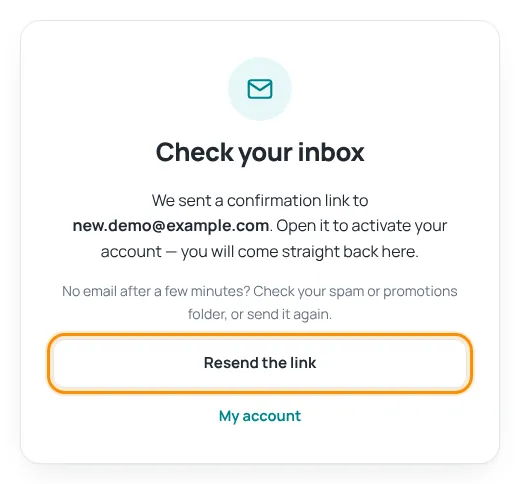
The email did not arrive?
- Wait a few minutes, then check your Spam, Junk or Promotions folder.
- Make sure the address shown on the page is correct.
- Press Resend the link (or Resend link in the yellow bar). You can ask for a new link once a minute.
If you typed the wrong email address, open a support ticket and we will help you.
Only use the newest link. Each new link replaces the older ones.
Was this article helpful?
Thanks for your feedback!
Sorry about that. Tell us what was missing in a support ticket and we will help you. Open a support ticket
Related articles
Getting started with HireTalentA quick tour of the site: the menu, language and currency, and which free account to create.Sign in and reset your passwordHow to sign in, what to do if you forgot your password, and how to change it.How to apply for a jobSign in to see the apply buttons, then apply directly with the employer. Applying is always free.Download and save your CVDownload as PDF, Word or text, save to your account and find your CVs later.
