HireTalent shows you the vacancy and how to apply. You then apply directly with the employer or the original publisher — HireTalent does not receive or process applications.
Step by step
- Open a job from Find jobs and read the details: job type, location, experience, salary, duties and requirements.
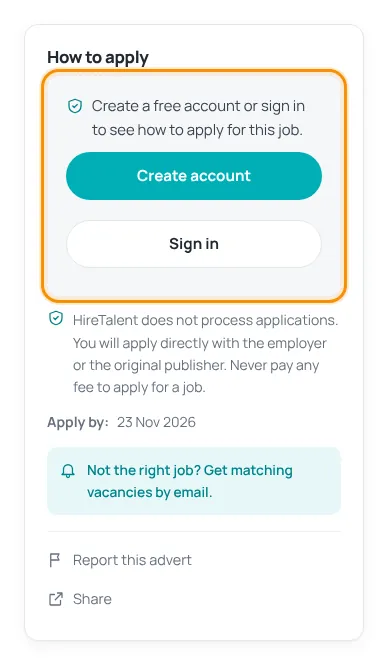
- Look at the How to apply box. If you are not signed in, press Create account (free) or Sign in.
- Confirm your email address if you have not done so yet — the apply buttons appear only after confirmation.
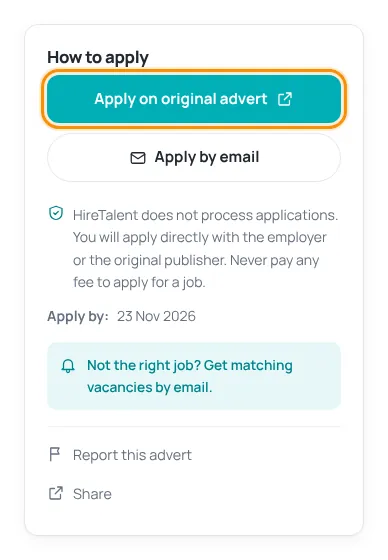
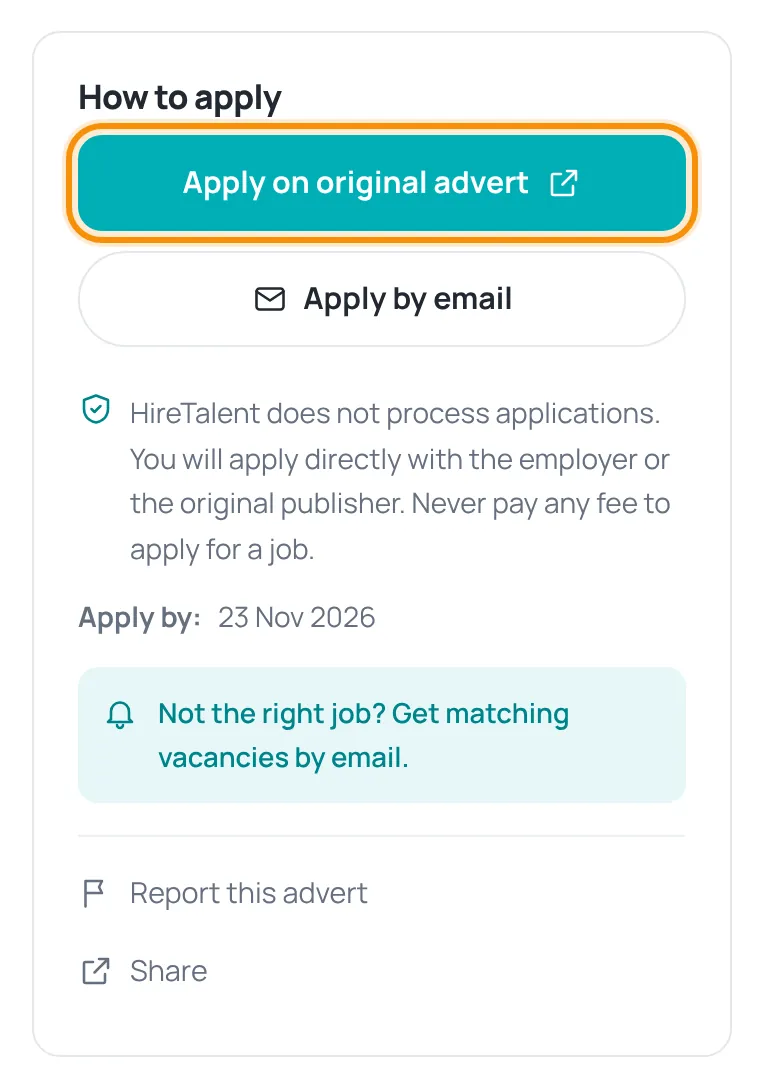
- Press Apply on original advert to open the employer’s advert in a new tab, or Apply by email to write to the employer.
- Note the Apply by date — apply before it.
Never pay any fee to apply for a job. If an employer or “agent” asks you for money, a visa fee or a deposit, stop and report the advert.
Tips for a strong application
- Read the requirements and mention the ones you meet in your email or cover letter.
- Send a clear, up-to-date CV — make one in minutes with the free CV builder.
- Use a professional email address and keep your phone reachable.
Under the apply buttons you will find Report this advert and Share, and a link to get similar jobs by email.
Was this article helpful?
Thanks for your feedback!
Sorry about that. Tell us what was missing in a support ticket and we will help you. Open a support ticket
Related articles
Search and filter jobsUse the search box, cities, sectors and job types to find the right vacancies in Oman.Confirm your email addressWhy we ask you to confirm your email, what it unlocks and what to do if the email does not arrive.Stay safe from job scamsSearching and applying are free. Learn the warning signs of fake jobs and what to do.Build your CV step by stepChoose the purpose and language, then fill in 7 short steps with a live preview.
