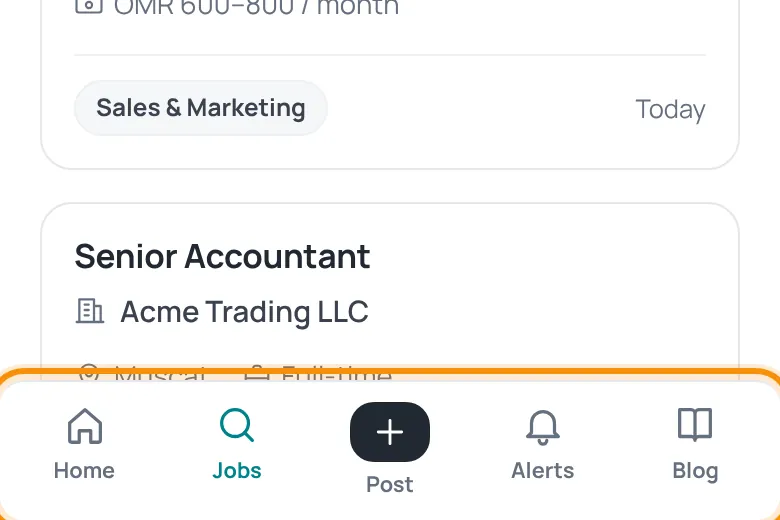
You do not need to download anything from an app store. HireTalent can be added to your phone’s home screen and then opens like an app, with the tab bar at the bottom.
iPhone
- Open hiretalent.om in Safari (other browsers on iPhone cannot install it).
- Tap the Share button at the bottom of the screen.
- Choose Add to Home Screen, then tap Add.
Android
- Open hiretalent.om in Chrome.
- Tap Install when the HireTalent install message appears, or open the browser menu ⋮ and choose Install app / Add to Home screen.
The install message appears once on your first visit from a phone. If you closed it, use the browser menu instead.
Was this article helpful?
Thanks for your feedback!
Sorry about that. Tell us what was missing in a support ticket and we will help you. Open a support ticket
