All open vacancies are on Find jobs. You do not need an account to search or read job details.
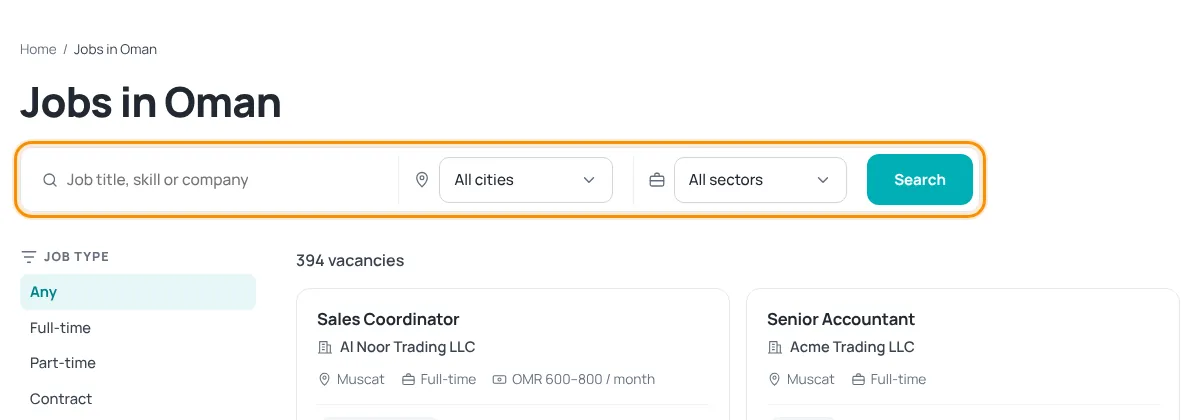
Search
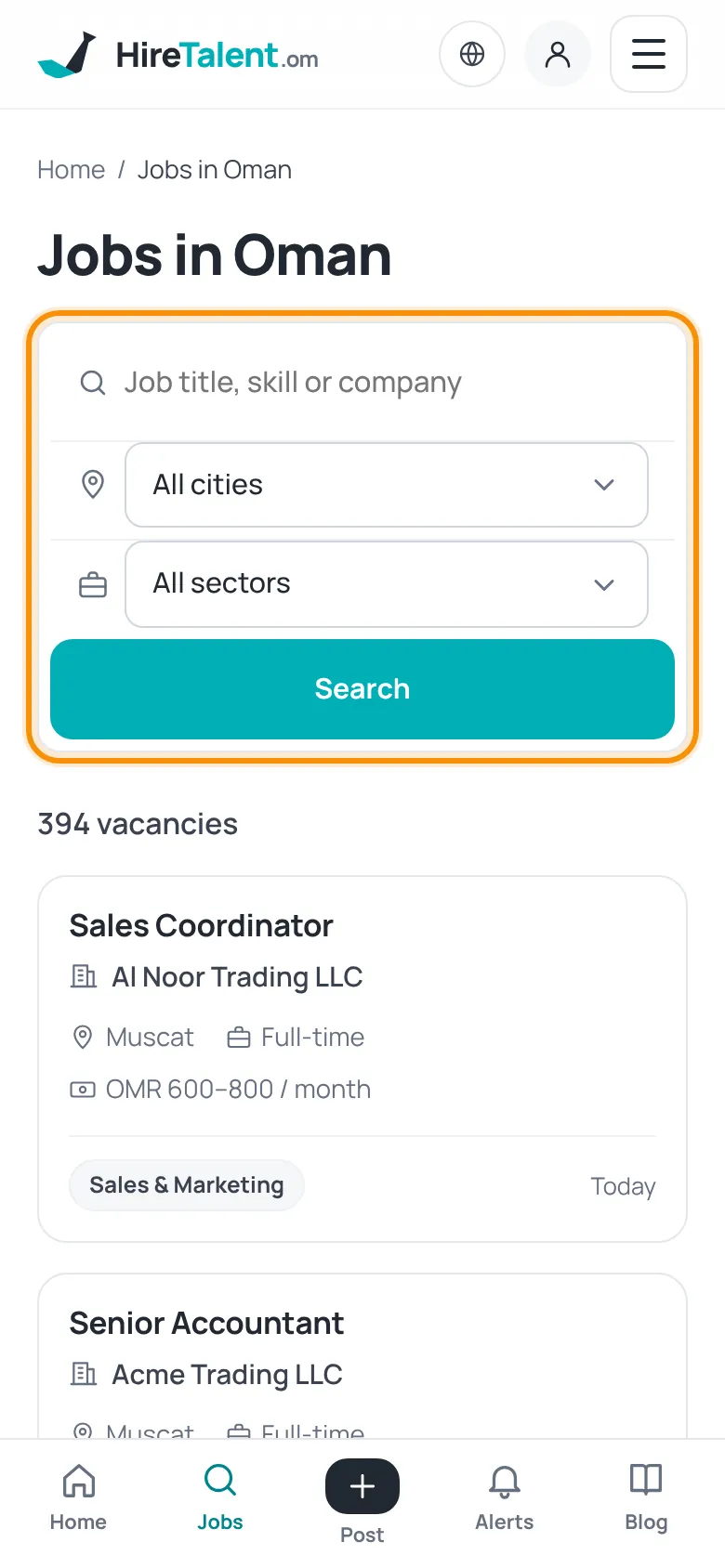
- Open Find jobs in the header (on a phone: the Jobs tab).
- Type a job title, skill or company name, for example “accountant” or “Excel”.
- Optionally pick a city (All cities) and a sector (All sectors).
- Press Search. The number of matching vacancies appears above the list.
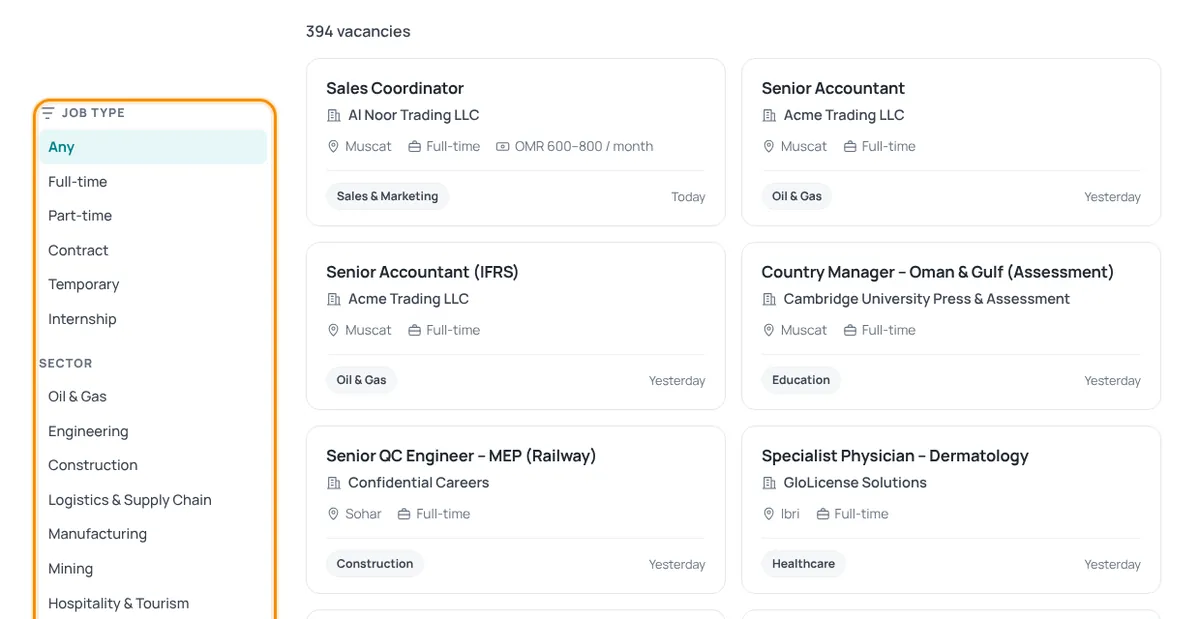
Filter the results
The column on the side lets you narrow the list by Job type (full-time, part-time, contract, temporary, internship), Sector and City. Click Clear filters to start again.
Reading the job cards
- Each card shows the job title, company, city, job type and salary (if the employer gave one), and how long ago it was posted.
- Featured adverts appear first. Urgent means the employer wants to hire quickly. Omani nationals means the role is open to Omani citizens only.
- Click a card to open the full job page with duties, requirements and how to apply. See How to apply for a job.
Not finding the right job? Let new vacancies come to you with job alerts.
Was this article helpful?
Thanks for your feedback!
Sorry about that. Tell us what was missing in a support ticket and we will help you. Open a support ticket
Related articles
How to apply for a jobSign in to see the apply buttons, then apply directly with the employer. Applying is always free.Job alerts: weekly and instantGet matching jobs by email — free every week, or instantly with a paid plan.Stay safe from job scamsSearching and applying are free. Learn the warning signs of fake jobs and what to do.
