You are always in control of the emails you get from HireTalent.
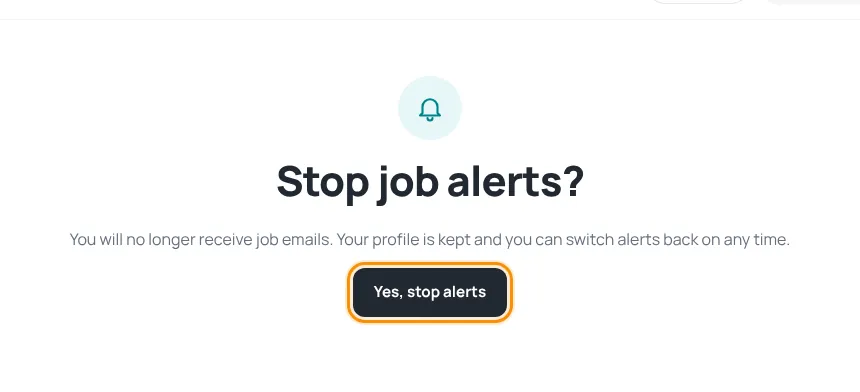
Stop job alerts
- Open any job alert email and click the unsubscribe link at the bottom.
- On the page “Stop job alerts?”, press Yes, stop alerts.
- Your profile is kept, so you can switch alerts back on any time by saving your job profile again.
Stop news and offers only
- News and career-tip emails have their own unsubscribe link — it stops only those emails, not your job alerts.
- Offer emails also have an unsubscribe link. Account emails (payments, adverts, job alerts) are not affected.
- You can also untick the news box in your job profile.
Delete everything
To remove your account, job profile, CVs and adverts permanently, use Delete my account in Settings. See Account settings.
Service emails such as email confirmation, password reset and payment receipts are always sent, because they concern your account.
Was this article helpful?
Thanks for your feedback!
Sorry about that. Tell us what was missing in a support ticket and we will help you. Open a support ticket
