Your job profile tells us what work you want. We use it to match vacancies for your alerts, and the CV builder can fill in your CV from it. You fill it in once when you create your job-seeker account at Create your job-seeker account, and can edit it any time under My account › Job profile.
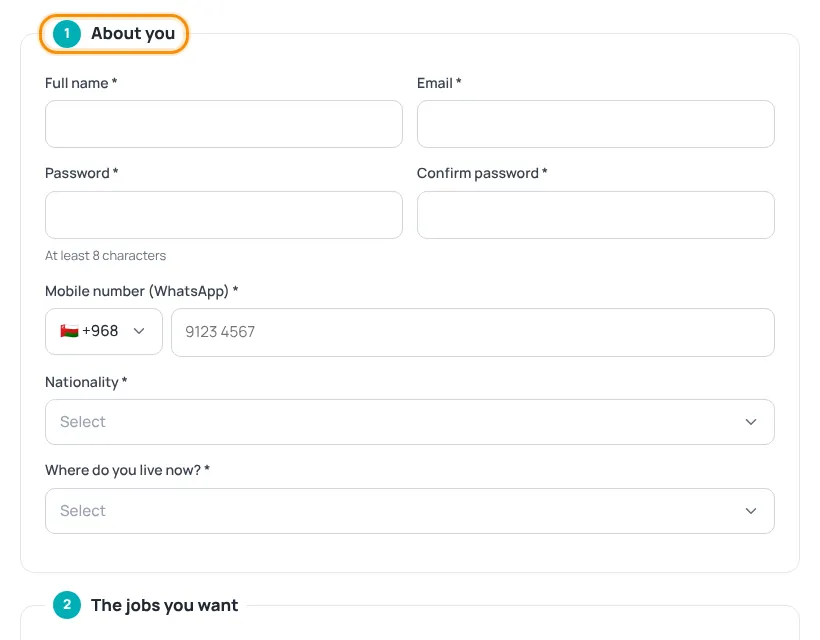
The six sections
- About you — full name, email, password (at least 8 characters, only when signing up), mobile number (WhatsApp), nationality and where you live now.
- The jobs you want — up to 5 job titles in order of priority, each with a sector (the first one is required). Then choose cities (or any city), job types, expected salary and notice period.
- Education — your qualifications: level, field, institution, country and year. Add more with the add button.
- Work experience — total years of experience (required) and your recent jobs.
- Skills, languages & CV — languages, skills, a short “about you”, and optionally upload your CV (PDF, DOC or DOCX).
- How should we email you jobs? — choose weekly (free), instant alerts or AI Auto-Apply. See Job alerts.
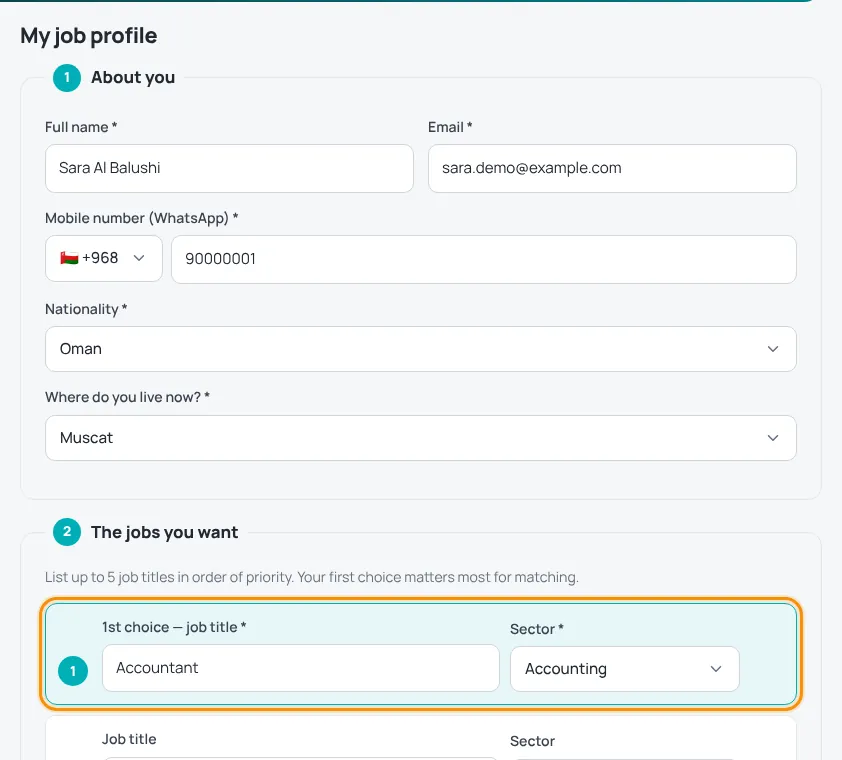
Tick the privacy consent box and press Create account (or Save when editing). If you chose a paid plan, you then go to checkout; otherwise you go to your account. Remember to confirm your email.
No CV yet? Build one with the free CV builder — your profile details are filled in for you.
You can choose to receive news and career tips by ticking the marketing box. Untick it any time.
Was this article helpful?
Thanks for your feedback!
Sorry about that. Tell us what was missing in a support ticket and we will help you. Open a support ticket
Related articles
Job alerts: weekly and instantGet matching jobs by email — free every week, or instantly with a paid plan.Build your CV step by stepChoose the purpose and language, then fill in 7 short steps with a live preview.Confirm your email addressWhy we ask you to confirm your email, what it unlocks and what to do if the email does not arrive.AI Auto-ApplyA 3-month package where our AI job agent applies to matching vacancies for you.
